
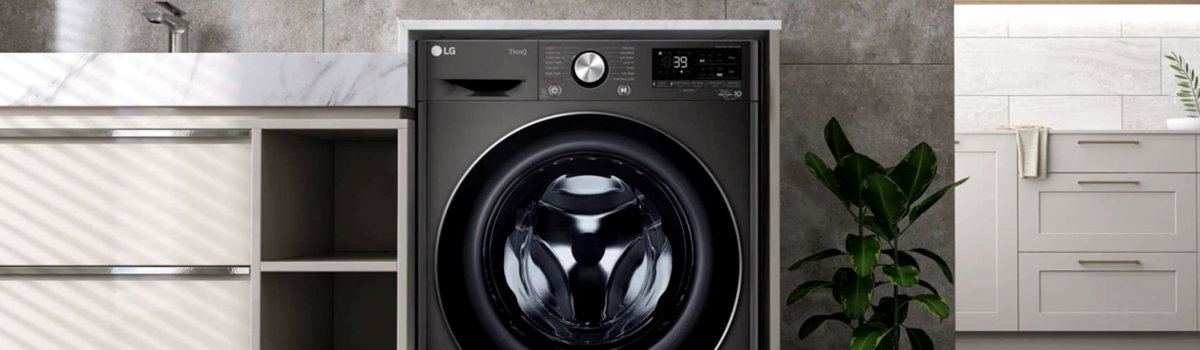
LG washers are designed for smooth and efficient laundry cycles, but like any advanced appliance, they can occasionally display error codes that disrupt their operation. One common issue is the CE error code, which signals an over-current problem in the washer’s motor system. Understanding the cause, symptoms, and how to address it can save you frustration and potentially avoid costly repairs.
What the CE Error Means
The CE code stands for Current Error and occurs when the motor draws more current than expected during washing or spinning. Essentially, the washer’s control system detects that the motor is overloaded or experiencing resistance, and it interrupts the cycle to prevent damage.
Typical signs of a CE error include:
- Washer stops mid-cycle, often during the spin phase.
- Loud or unusual motor sounds before the error appears.
- The drum may struggle to rotate, especially with heavy loads.
Why the CE Error Happens
Several factors can cause an over-current situation in your LG washer:
- Overloaded Drum: Too much laundry in one load can strain the motor.
- Control Board Issues: A malfunctioning electronic controller may incorrectly detect over-current.
- Voltage Fluctuations: Unstable or low power supply can trigger the CE error.
- Wiring Problems: Loose or damaged wires connecting the motor and control board can interfere with current regulation.
- Motor Malfunction: A worn or faulty motor can pull excessive current, causing the washer to stop.
DIY Solutions for CE Error
You can try several troubleshooting steps at home before calling a technician. Always unplug the washer before attempting any inspections or repairs.
Step-by-Step Guide:
- Check Laundry Load: If the washer stops mid-cycle, remove some clothes and restart the program with a lighter load.
- Restart the Control Board: Disconnect the washer from power for 10–20 minutes to reset the electronic controller. Then plug it back in and restart the cycle.
- Check Power Supply: Ensure your outlet provides stable voltage within the washer’s recommended range. Avoid using extension cords or shared circuits with heavy appliances.
- Inspect Wiring: Look for loose, frayed, or damaged wires between the motor and control board. Tighten connections or replace damaged wiring as needed.
- Motor Assessment: If the error persists, the motor itself may be faulty. Testing and replacement usually require a professional technician due to the complexity and electrical safety concerns.
Preventive Measures
Taking a few preventive steps can reduce the chances of encountering CE errors in the future:
- Avoid overloading the washer; follow the manufacturer’s load recommendations.
- Ensure a stable power supply with minimal fluctuations.
- Regularly inspect the washer’s wiring and connections for signs of wear or damage.
- Clean and maintain the drum and motor area to prevent debris or resistance that could increase motor load.
- Periodically run maintenance cycles with no laundry to keep the motor and drum operating smoothly.
Quick Troubleshooting Checklist
- Reduce the laundry load if the washer stops mid-cycle.
- Unplug the washer for 10–20 minutes to reset the control board.
- Check voltage stability and outlet connections.
- Inspect and repair any loose or damaged wiring.
- Consider professional motor testing or replacement if the error persists.
Addressing CE errors promptly ensures your LG washer continues to operate safely and efficiently. By following these steps, you can often fix the issue yourself or know when it’s time to call in a professional.