
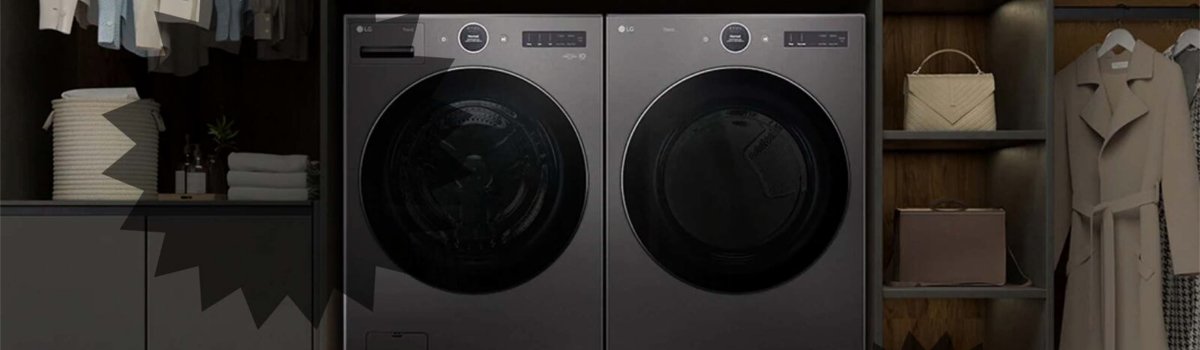
LG dryers are known for their reliability, efficient drying, and smart features. However, like any appliance, they can occasionally display error codes that interrupt normal operation. One of the most common and straightforward errors is DE, which signals that the dryer door is not completely closed. Understanding why this error occurs and how to fix it can save you time and frustration.
What DE Means
The DE error code stands for Door Error. It appears when the dryer detects that the door is not fully closed. This prevents the dryer from starting or continuing its cycle for safety reasons, as the unit cannot operate with the door open.
Common signs of a DE error include:
- Dryer won’t start or stops mid-cycle.
- DE is displayed on the control panel.
- The door feels slightly misaligned or doesn’t latch properly.
Why the DE Error Occurs
Several factors can trigger a DE error:
- Door Not Fully Closed: Clothing or objects stuck between the door and frame can prevent it from latching.
- Misaligned Door: Over time, or after a move, the door might shift slightly, causing the sensor to detect it as open.
- Obstructed Filter or Lint Trap: If the lint filter is not seated properly, it can prevent the door from closing fully.
- Physical Damage: New units may occasionally have dents, bent doors, or frame misalignment from shipping.
DIY Solutions for DE Error
You can often resolve the DE error without a service call. Here’s a simple step-by-step guide:
Step-by-Step Fix:
- Check the Door and Lint Filter: Open the dryer door and remove the lint filter. Make sure nothing is blocking the door from closing, and that the filter is properly seated.
- Inspect for Clothing Obstructions: Look for small items of clothing caught in the door seal or hinge. Remove any obstructions.
- Realign the Door: Close the door firmly and evenly. If the door feels misaligned, gently adjust the hinges to ensure it latches properly.
- Reset the Dryer: Unplug the dryer or turn off the circuit breaker for at least 4 seconds. Plug it back in, close the door, select a cycle, and press start.
- Check for Damage: If the dryer is new, inspect for dents or bent frames. Contact the dealer if any damage is visible, as this may require replacement or professional repair.
If the DE error persists after following these steps, it may indicate a faulty door latch sensor or internal component, which will require service by a qualified technician.
Preventive Measures
Preventing DE errors in the future is mostly about careful use and regular maintenance:
- Always ensure the lint filter is fully seated after cleaning.
- Avoid overloading the dryer, which can cause clothing to get trapped near the door seal.
- Check that the door closes securely before starting a cycle.
- Handle the door gently to avoid bending or misaligning the frame.
- Periodically inspect the door seal and hinges for wear or damage.
Quick Troubleshooting Checklist
- Remove the lint filter and make sure it’s properly seated.
- Check for clothing or objects blocking the door from closing.
- Firmly close the door and try a cycle reset.
- Inspect the door and frame for visible damage, especially on new units.
- Contact a technician if the error continues, as it may indicate a sensor or latch issue.
Addressing the DE error promptly ensures your LG dryer continues to operate safely and efficiently. With proper care and attention, you can prevent repeated door-related errors and enjoy hassle-free drying cycles.