
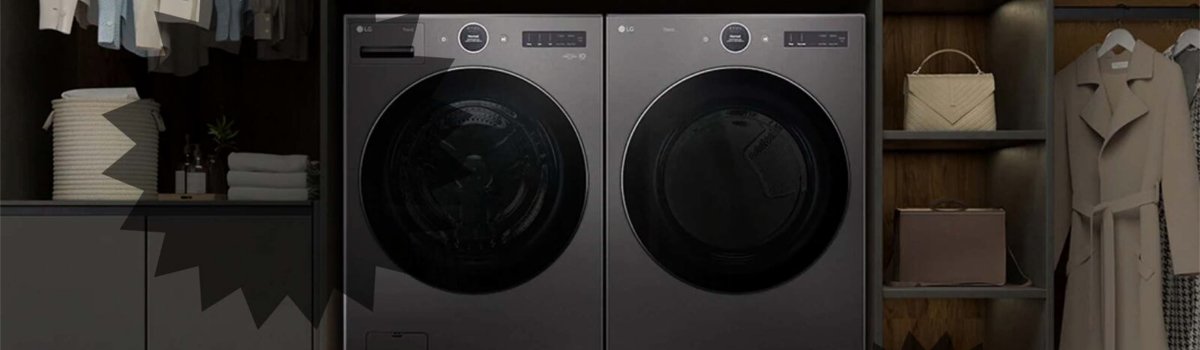
LG dryers are known for their efficiency and smart drying features, including sensors that detect moisture levels to ensure your clothes are dried perfectly without wasting energy. Occasionally, your dryer may display the HS error code, which signals a problem with the humidity sensor. This error can make the dryer run for an unusually short or fixed time, giving the impression that it isn’t drying properly. Understanding this error, its causes, and how to fix it can save you time and prevent further issues.
What the HS Error Means
The HS error code is triggered when the dryer detects an issue with its humidity sensor. The sensor monitors the moisture content of the clothes to adjust drying cycles automatically. If the sensor is dirty, blocked, or malfunctioning, the dryer may misread the moisture level and either stop too early or fail to complete a cycle properly.
Common symptoms of an HS error include:
- Dryer runs for a short time (about 30 minutes) but clothes remain damp.
- The HS error code appears on the display.
- Inconsistent drying results even with proper settings.
Common Causes of the HS Error
Several factors can lead to an HS error:
- Dirty or obstructed humidity sensor due to lint, residue, or fabric softener buildup.
- Sensor damage from wear or accidental impact.
- Loose or faulty wiring connected to the sensor.
- Control board issues if the sensor itself is functional but errors persist.
DIY Troubleshooting and Fix
Many HS errors can be resolved with simple steps you can do at home.
Step-by-Step Guide:
- Locate the Humidity Sensor: Open the dryer and find the sensor, usually positioned just below the lint filter. It may be a small metal or plastic strip.
- Clean the Sensor: Using a soft cloth or cotton swab, gently clean the sensor to remove lint, dust, or residue. Be careful not to damage the sensor surface.
- Allow Sensor to Dry: Let the sensor fully air dry before running the dryer again. Moisture on the sensor can give false readings.
- Restart the Dryer: Power on the dryer, select your preferred settings, and start a drying cycle. Check if the HS code has cleared and if the clothes dry properly.
If the HS error persists even after cleaning and drying the sensor, it may indicate a more serious issue, such as a defective sensor or wiring problem. At this point, professional repair or sensor replacement may be necessary.
Preventive Measures
To reduce the chance of future HS errors and maintain consistent drying performance:
- Clean the lint filter and humidity sensor regularly to prevent buildup.
- Avoid overloading the dryer, which can cause sensor blockage or inaccurate readings.
- Ensure clothes are shaken or separated before drying for better airflow and sensor performance.
- Check sensor connections occasionally to make sure wires remain secure.
- Follow manufacturer instructions for drying delicate fabrics that may leave residue on the sensor.
Quick Troubleshooting Checklist
- Inspect and clean the humidity sensor beneath the lint filter.
- Allow the sensor to dry completely before running a cycle.
- Restart the dryer to verify if the HS error is cleared.
- Replace the sensor or check wiring if the error persists.
By addressing the HS error promptly, you can restore your LG dryer’s smart drying functions and avoid under-dried or damaged laundry. Regular cleaning and careful use will keep the humidity sensor working accurately for years to come.