
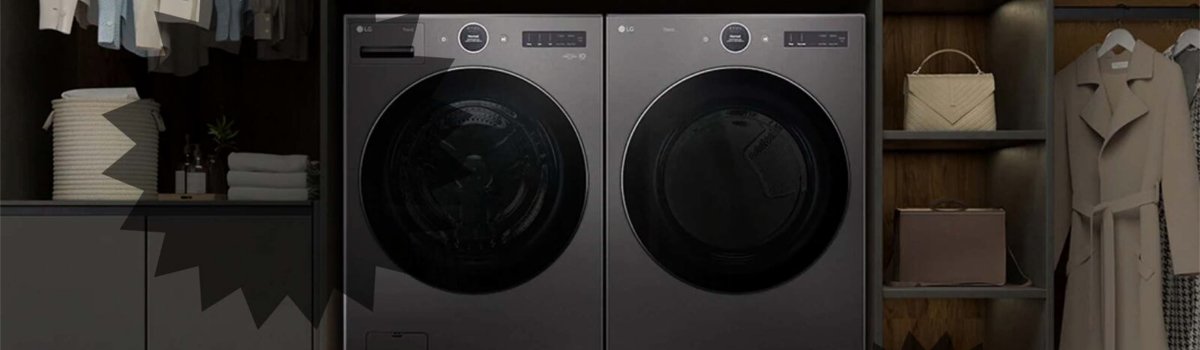
LG dryers are known for their efficiency, smart features, and reliable performance. However, like any electronic appliance, they can sometimes display error codes that interrupt your laundry routine. One common code you might encounter is PF, which usually appears after a power outage or electrical interruption. Understanding what PF means, why it occurs, and how to resolve it can help you get your dryer back to normal quickly.
What the PF Error Code Means
The PF code stands for Power Failure. When your dryer detects that the power supply was interrupted, it triggers this code to protect the machine and its electronics. This prevents the dryer from running with incorrect settings or partially reset electronics, which could lead to further malfunctions.
Typical symptoms of a PF error include:
- The dryer stops mid-cycle after a power outage.
- Display shows PF instead of cycle settings.
- Buttons may appear unresponsive until the error is cleared.
Common Causes of PF Error
The PF error is usually straightforward and rarely indicates a hardware problem. Common causes include:
- A recent power outage or electrical surge.
- Tripped circuit breaker or unplugged dryer.
- Minor electronic glitches caused by sudden loss of power.
In rare cases, persistent PF errors may indicate a faulty control board or an internal electrical issue requiring professional service.
How to Fix the PF Error Yourself
Most PF errors can be resolved quickly with a simple factory reset. Follow these steps:
Step-by-Step DIY Guide:
- Power Off the Dryer: Unplug the unit or turn off the circuit breaker for the dryer. Wait a few minutes to ensure all electronics are fully powered down.
- Perform the Reset: While the dryer is unplugged, press and hold the START/PAUSE button for about 5 seconds. This helps clear stored error codes in the memory.
- Restore Power: Plug the dryer back in or reset the circuit breaker.
- Test the Dryer: Try running a normal drying cycle to confirm that the PF error is gone.
If the PF error persists after performing these steps, there may be a deeper issue with the dryer’s control board or internal wiring, in which case contacting a certified technician is recommended.
Preventive Measures
Preventing PF errors is mainly about protecting your dryer from sudden power interruptions and keeping its electronics in good condition. Consider these tips:
- Avoid turning off the breaker or unplugging the dryer during a cycle.
- Use a surge protector to safeguard the control board from electrical spikes.
- Keep the dryer’s electrical connection secure and dry.
- After a power outage, allow a few minutes before restarting the dryer to ensure the electronics reset properly.
Quick Troubleshooting Checklist
- Ensure the dryer is properly plugged in and the circuit breaker is on.
- Perform the factory reset by holding START/PAUSE while the unit is unplugged.
- Restore power and test a cycle.
- If PF error continues, inspect for control board or internal electrical faults.
The PF error is usually a minor and easy-to-fix issue that doesn’t indicate serious damage to your LG dryer. By performing a simple reset and following preventive tips, you can minimize downtime and keep your dryer running smoothly.