
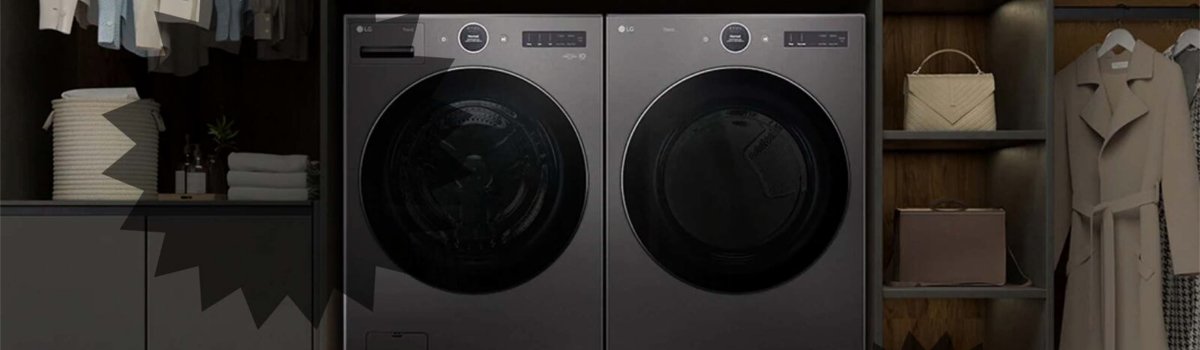
Modern LG dryers are packed with convenient features designed to make laundry easier and safer. One of these features is Child Lock, which prevents accidental changes to settings during a drying cycle. If you see CL on your LG dryer’s display, it’s not a malfunction — it’s a signal that the Child Lock feature is currently active.
Understanding what this display means, how to deactivate it, and how to prevent accidental activation can save time and avoid confusion while doing laundry.
What the CL Indicator Means
The CL display appears whenever the Child Lock function is turned on. This feature is designed to prevent children (or anyone else) from accidentally altering the dryer’s settings or stopping the cycle. While CL is active, the control panel is disabled, and you cannot adjust temperature, time, or drying programs.
Common signs of the Child Lock being active include:
- All buttons on the control panel seem unresponsive.
- The CL symbol appears on the display during or between cycles.
- The dryer runs normally but cannot accept new input.
Why the CL Feature Activates
Child Lock may be activated intentionally to prevent accidental changes, but sometimes it can be turned on by mistake. Causes include:
- Pressing and holding the CHILD LOCK button for several seconds while setting a cycle.
- Accidental touches or cleaning of the control panel.
- A cycle interruption followed by power-on may retain the previous Child Lock setting.
How to Disable Child Lock (DIY Solution)
Deactivating the CL feature is simple and can be done without tools or professional help:
Step-by-Step Guide:
- Locate the CHILD LOCK button on your LG dryer’s control panel. On some models, it may be a dedicated button or a combination of two buttons indicated in the user manual.
- Press and hold the button for 3 seconds. The CL symbol should disappear from the display.
- Test by pressing other buttons or changing the drying cycle. If the controls respond normally, Child Lock is successfully disabled.
For certain LG models, the manual may show a slightly different button combination. Always check the guide specific to your dryer if the standard 3-second hold doesn’t work.
Preventive Tips to Avoid Accidental CL Activation
Preventing the Child Lock from activating unintentionally helps keep laundry routines smooth:
- Avoid pressing multiple buttons at once while programming cycles.
- Teach family members which button or combination activates Child Lock.
- Wipe the control panel carefully without pressing multiple keys simultaneously.
- Check the display for CL before starting a new cycle to ensure the panel is active.
Quick Troubleshooting Checklist
- Check the display for the CL symbol if buttons are unresponsive.
- Hold the Child Lock button (or combination) for 3 seconds to deactivate.
- Verify control panel functionality by selecting a new cycle or adjusting settings.
- Refer to your LG dryer manual if the standard procedure does not work.
The CL indicator is an intentional safety feature, not a technical error. Understanding its purpose, knowing how to deactivate it, and following simple preventive steps will ensure your LG dryer remains easy to use and family-safe.