
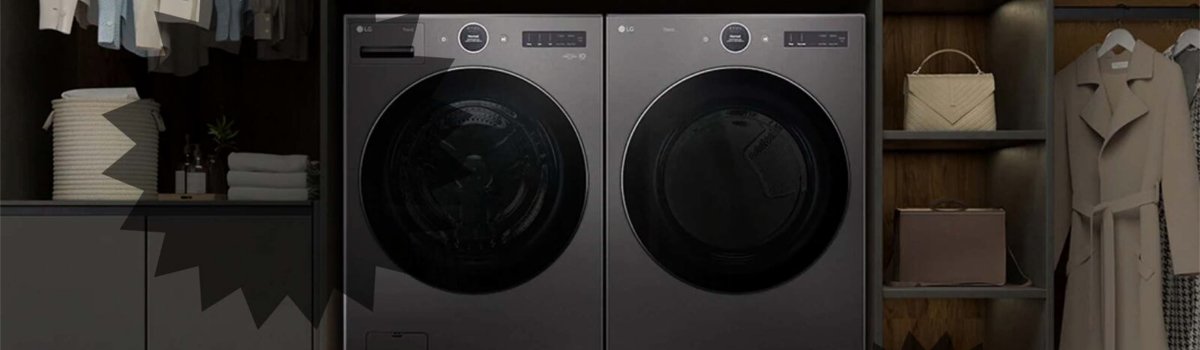
LG dryers with steam cycles offer the convenience of refreshing clothes, reducing wrinkles, and sanitizing fabrics. However, sometimes your dryer may display the “Add Water” error, interrupting the cycle and causing confusion. Understanding what triggers this message and how to fix it is essential for smooth operation and preventing repeated interruptions.
What the “Add Water” Error Means
The “Add Water” error appears when the dryer detects that the steam feeder is empty or the water supply is insufficient for the selected steam cycle. Essentially, the dryer cannot generate steam without enough water, so it pauses the cycle to prevent malfunction or damage.
Common symptoms include:
- Steam cycle stops unexpectedly with “Add Water” displayed.
- Clothes may not receive the expected wrinkle reduction or refresh effect.
- Error occurs even if the dryer has recently been used or water was recently added.
Why the Error Happens
Several factors can trigger the “Add Water” message:
- Empty Steam Feeder: The most common cause is a low or empty water drawer. The steam feeder must be filled to the MAX line before starting a cycle.
- Improper Drawer Closure: If the water drawer isn’t fully seated or closed, the sensor may not detect the water properly.
- Using Distilled Water: LG dryers require tap water, as distilled water may prevent proper sensor detection.
- Mid-Cycle Drain: If the water runs out during the cycle, the error will appear mid-operation.
How to Fix the “Add Water” Error
Fortunately, resolving this issue is straightforward and can often be done without professional help.
Step-by-Step DIY Fix:
- Pause the Cycle: If the error appears after the cycle has started, press the PAUSE button to temporarily stop the dryer.
- Check the Steam Feeder: Pull out the water drawer and inspect the water level. Ensure it is filled to the MAX line using tap water. Avoid distilled water.
- Secure the Drawer: Make sure the water drawer is fully closed and properly seated in the machine.
- Restart the Dryer: Power the dryer off, then back on. Select the STEAM cycle and press START/PAUSE to resume.
- Complete the Cycle: The dryer should now operate normally, generating steam as expected.
In most cases, following these steps resolves the “Add Water” error immediately, allowing your dryer to continue refreshing or de-wrinkling fabrics efficiently.
Preventive Measures
Taking a few precautions can help prevent repeated “Add Water” errors:
- Always check the water level in the steam feeder before starting a cycle.
- Fill the drawer to the MAX line only, avoiding overfilling.
- Use tap water instead of distilled water to ensure proper sensor detection.
- Close the water drawer securely after each use.
- Periodically inspect the water drawer and feeder for debris or mineral buildup that could interfere with sensors.
Quick Troubleshooting Checklist
- Verify that the water drawer is filled to the MAX line.
- Ensure the drawer is fully closed and properly seated.
- Use tap water, not distilled.
- Restart the dryer if the error appears mid-cycle.
- Clean and maintain the steam feeder regularly to prevent sensor issues.
By understanding the “Add Water” error and taking these preventive measures, you can keep your LG dryer’s steam function operating reliably, ensuring clothes come out refreshed, wrinkle-free, and ready to wear.