
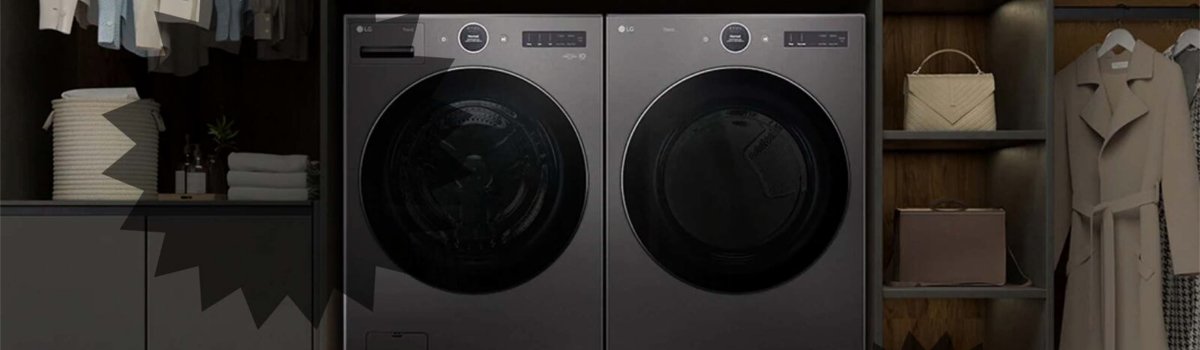
LG dryers are designed to make laundry easier, faster, and safer for your clothes. If you’ve noticed the “CD” message on your dryer display, you might worry it’s an error or a malfunction. In reality, this message is part of the dryer’s normal operation. Understanding what “CD” means and why it appears can help you feel confident that your appliance is working correctly.
What the “CD” Message Means
“CD” stands for Cool Down. Unlike typical error codes that indicate a problem, the CD message is informational. It tells you that the dryer has entered the final phase of the drying cycle. During this phase, the dryer circulates room-temperature air through your clothes.
This has several benefits:
- Prevents wrinkling by cooling clothes gradually instead of letting them sit hot.
- Makes clothes easier to handle once the cycle finishes.
- Protects delicate fabrics from heat damage by allowing a gentle cool down.
Once the cool down phase completes, the dryer typically displays “End” or “Finished”, signaling that you can safely remove your laundry.
Why the Cool Down Phase Is Important
Many users might think the dryer is malfunctioning when they see CD, but it’s a deliberate part of LG’s drying system. The sensor-driven cycles ensure that:
- Heat is gradually reduced to protect fabrics.
- Residual moisture is evenly removed.
- Clothes come out ready to fold or wear without excessive wrinkles.
It’s worth noting that skipping the cool down phase could lead to clothing that is hot, wrinkled, or more prone to static.
How to Handle the “CD” Message
Because CD is not an error, no repair is needed. However, there are a few tips for managing your dryer effectively during this phase:
- Wait for the cycle to finish: Be patient and allow the cool down to complete before opening the door.
- Do not interrupt: Opening the dryer mid-CD phase may interfere with the drying process and increase wrinkling.
- Check airflow: While the CD message is normal, ensuring the vent and lint filter are clean helps the dryer operate efficiently and shorten drying time.
Preventive Tips for Optimal Dryer Performance
Even though CD is not an error, good dryer maintenance ensures the appliance continues working perfectly:
- Clean the lint filter before every load to maintain airflow and drying efficiency.
- Inspect the exhaust vent periodically to prevent blockages that can affect drying times.
- Avoid overloading the drum, as too many clothes can extend the drying and cool down phases.
- Use sensor-dry settings for optimal temperature control and fabric care.
By following these tips, your LG dryer will continue to deliver soft, wrinkle-free laundry with every cycle.
Quick Summary
- CD = Cool Down: not an error, just a normal drying phase.
- Purpose: circulates room-temperature air to prevent wrinkles and protect fabrics.
- What to do: allow the dryer to complete the cycle, check airflow, and maintain lint filters.
- Preventive care: keep vents and filters clean, avoid overloading, and use sensor-dry cycles.
The CD message is part of LG’s smart drying system, designed to give you perfectly dried clothes every time. Understanding this phase helps you use your dryer confidently without worrying about errors or malfunctions.