
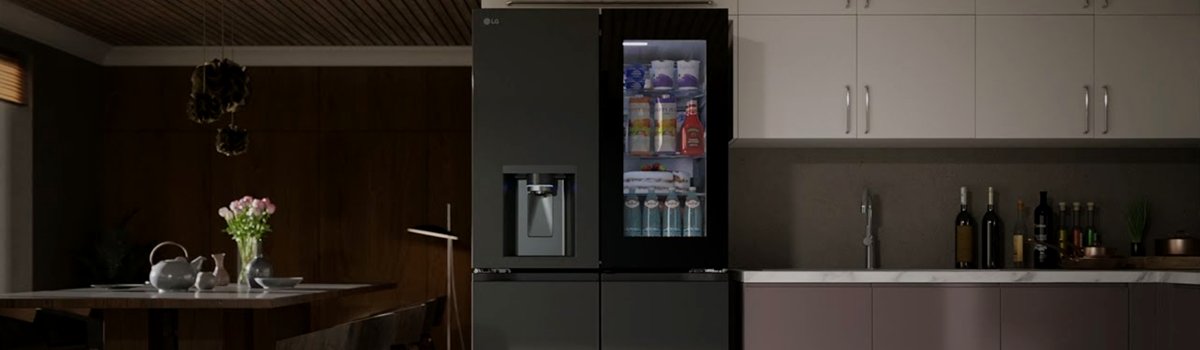
LG refrigerators are known for their advanced features and sleek front displays, making them a popular choice in modern kitchens. Occasionally, users may notice the refrigerator displaying “0 FF” on the screen. While this may seem like a serious error, in most cases it is not a technical malfunction but an indicator that the refrigerator is in demo mode. Understanding this mode, why it happens, and how to resolve it can help you get your fridge back to normal operation quickly.
What the 0 FF Code Means
The 0 FF code appears when your LG refrigerator has been accidentally switched into demo mode. Demo mode is designed for display models in showrooms. In this mode:
- The fridge and freezer may not cool normally.
- Some buttons or features may be disabled.
- The display shows the 0 FF code instead of the normal temperature readings.
It’s important to note that this is not a mechanical failure. Your refrigerator is functioning properly, but it will not operate as expected until demo mode is turned off.
Why Demo Mode is Activated
Demo mode can be triggered accidentally in several ways:
- During setup or delivery, demo mode may be enabled for showroom demonstration.
- Accidental pressing of certain button combinations on the control panel.
- Power interruptions or factory resets in some models may default to demo mode.
Understanding the cause helps prevent future accidental activation.
How to Exit Demo Mode Yourself
Exiting demo mode is usually straightforward and can be done without tools. The method depends on your refrigerator type:
For front display refrigerators:
- Open the refrigerator door.
- Press and hold the “Refrigerator” and “Ice Plus” buttons at the same time for 5 to 10 seconds.
- Release the buttons, and the display should return to normal temperature readings.
For top-mounted refrigerators:
- Open the refrigerator door.
- Press and hold the light switch for about 5 seconds.
- The 0 FF code should disappear, restoring normal functionality.
This simple procedure restores normal cooling and ensures all features work correctly.
Preventive Tips
To avoid accidentally entering demo mode in the future:
- Be careful when pressing multiple buttons simultaneously.
- During delivery or setup, confirm the fridge is set to normal mode, not demo mode.
- Keep the user manual handy for reference on control panel operations.
- Avoid repeated power cycles or resets unless necessary, as some models may revert to demo mode temporarily.
Quick Troubleshooting Checklist
- Check if the 0 FF code appears on the display.
- Determine your refrigerator type (front display or top-mounted).
- Use the correct button combination or light switch method to exit demo mode.
- Verify that cooling returns to normal and the display shows temperature readings.
- If the issue persists, check the user manual for your specific model or contact LG support.
The 0 FF code is usually a minor inconvenience, easily resolved at home, allowing your LG refrigerator to resume normal operation. By understanding demo mode and following these simple steps, you can keep your appliance functioning perfectly without unnecessary service calls.