
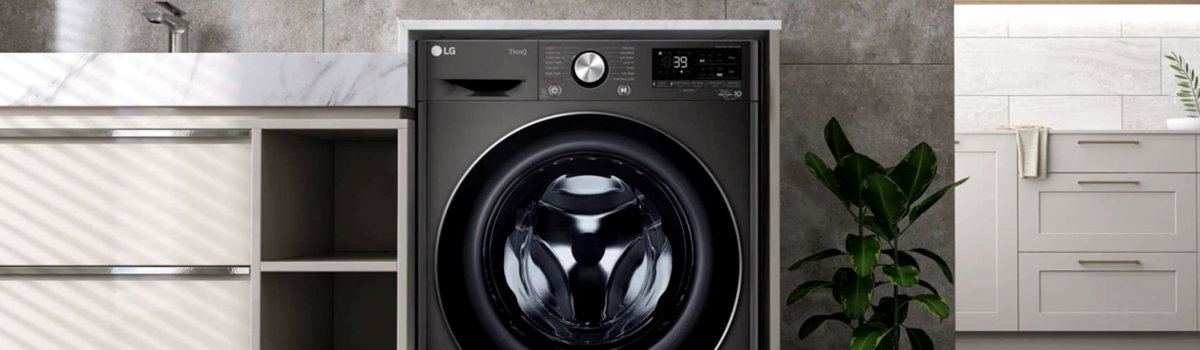
Modern LG washer-dryer combo machines come with advanced features to protect your clothes and ensure perfect washing and drying results. One of the messages you might notice on the display is Error Code Cd. While it might look alarming at first glance, this is not a malfunction. Understanding what this code represents and how to handle it will help you get the most out of your LG washer-dryer without unnecessary worry.
What Cd Error Code Means
The Cd code appears only in newer LG washer-dryer combo models. It is an informational message that indicates the machine has entered clothing cooling mode. After the drying cycle finishes, the washer continues to operate for about four hours, gently rotating the drum for 25 seconds every five minutes. This process:
- Redistributes laundry in the drum
- Allows clothes to cool gradually
- Helps prevent wrinkles
Unlike most error codes, Cd is not a sign of malfunction. The machine is working as designed, protecting your clothes and ensuring the final load is wrinkle-free.
Why Cd Appears
Cd appears when the drying cycle is completed, and the machine begins its cooling and anti-wrinkle phase. Some users may see this code and think the appliance has stopped unexpectedly, but it is simply:
- A message about the ongoing cooling cycle
- A reminder that the load should be removed promptly after drying
- Part of the automatic anti-wrinkle process
No internal parts are damaged, and no electrical or mechanical failure is involved.
How to Handle Cd at Home
Since Cd is informational, the solution is simple:
- Monitor the cycle end: The display will indicate “End of a cycle” for 9 seconds when drying finishes.
- Remove laundry promptly: Press any button to unlock the door or use the “Unload” option displayed briefly. This ensures clothes are taken out before wrinkles set in.
- Wait for cooling mode to finish: If you don’t immediately remove the laundry, the machine will continue the cooling cycle and unlock the door once the cycle completes. The total cooling and anti-wrinkle phase lasts approximately 4 hours.
By following these steps, you can safely handle the Cd message without worrying about machine damage.
Preventive Tips
Even though Cd is not a fault, certain habits can help ensure your LG washer-dryer continues to perform optimally:
- Always remove laundry promptly after the drying cycle ends.
- Avoid overloading the drum, which can reduce the effectiveness of the cooling phase.
- Check that the door is fully closed before starting a cycle to prevent display messages related to door operations.
- Regularly clean the lint filter and maintain the machine according to LG’s guidelines to prevent minor issues from accumulating.
Quick Reminder
- Cd = clothing cooling mode, not a fault
- Duration = ~4 hours with periodic drum rotations
- Solution = remove clothes promptly and allow the cycle to finish
- Preventive care = monitor cycles, avoid overloading, and maintain the machine
Understanding the Cd message allows LG washer-dryer users to enjoy the full benefits of their machine without unnecessary stress. It’s simply your appliance working to keep your clothes wrinkle-free and properly cooled after drying.