
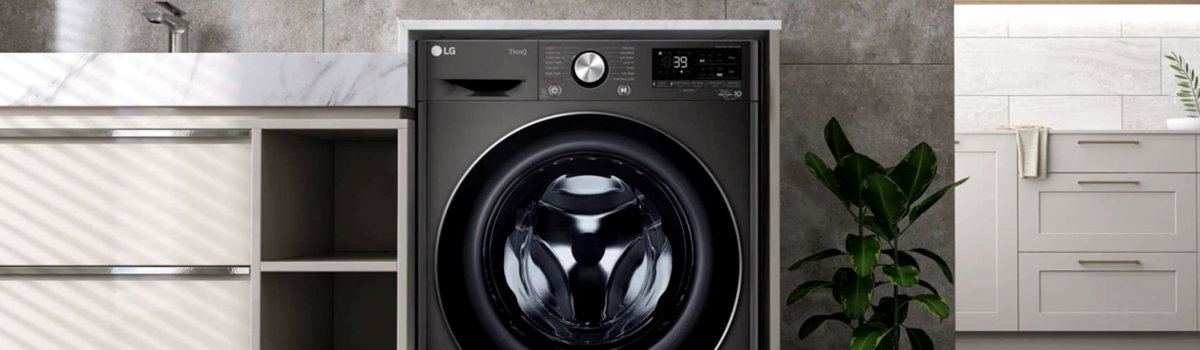
If your LG washer suddenly shows CL on the display and the drum is silent, don’t panic — CL is not a fault or failure. It stands for Child Lock and simply means the machine’s controls are locked so small hands can’t change the cycle. This guide explains what CL is, why it appears, how to turn it off quickly, and a few tips to avoid accidental locks in the future. The language is plain and friendly so anyone can follow along.
What the CL indicator means (short and clear)
- CL = Child Lock engaged.
- The washer will not start or respond to most button presses while CL is active.
- The POWER button usually remains functional so you can turn the machine off if needed.
This feature is intentional — it prevents kids (or accidental presses) from stopping or changing a wash mid-cycle.
Why CL shows up (everyday causes)
Many times CL appears simply because someone pressed the child-lock combination accidentally. Other common reasons include:
Some models remember the last setting, so if you used Child Lock before it will still be active.
Buttons can be bumped while loading laundry, especially on top-loaders or shallow-control panels.
Cleaning or wiping the panel with a damp cloth may trigger sensor models if a finger or cloth presses the marked area.
Household members unfamiliar with the washer may enable it while exploring buttons.
How to remove the CL lock — quick DIY steps
Follow the steps that match your model. Most LG washers use a two-button hold, or on touch-control models you press and hold the child-lock symbol.
- Look for the child-lock icon on the control panel (often a small padlock, a child face, or the letters “CL”).
- Press and hold the two marked buttons at the same time for about 3–4 seconds. Common button pairs include:
- Super Rinse + Prewash
- Intensive Wash + Extra Rinse
- Temperature + an Option button
- For touch-control models: press and hold the button that shows the child-lock symbol (for about 3–4 seconds). On some panels this is “No Crease / No Folds” or “Delay Wash.”
- Watch the display — the CL icon should disappear and normal control will return.
- If the washer was mid-cycle, press Start again to resume.
If nothing happens, power the machine off, wait 10 seconds, and power it on again — the lock often clears after a restart.
If CL won’t clear — troubleshooting tips
If holding the buttons doesn’t remove CL, try these safe checks:
Make sure you’re pressing the correct combination — small icons or faded labels can be easy to miss.
Clean the control panel gently; residue or moisture can cause the sensors to misread. Use a soft, dry cloth and avoid spraying cleaners directly on the panel.
Power-cycle the washer by unplugging it or switching off the breaker for 30 seconds, then restore power and try again.
If the panel is damaged or buttons are stuck, the child-lock command might not register — inspect for sticky buttons or visible damage.
If the problem persists after these steps, the control board or the touch sensor may be faulty and a qualified technician should be contacted.
Simple prevention tips — keep CL from returning unexpectedly
- Teach household members how Child Lock works so it’s recognized when it appears.
- Avoid resting heavy items on the control panel while loading or unloading.
- Wipe the panel lightly and dry it completely after cleaning to prevent accidental activation on touch models.
- If you frequently use child lock, make a small note on the washer (a removable sticker) with the exact button combo for easy reference.
- Periodically check for button wear or panel damage — early fixes avoid weird behavior.
Quick recap — what to try right now
If you see CL:
- Hold the two buttons marked for Child Lock for 3–4 seconds.
- If your washer has a single Child Lock touch button, press and hold it for 3–4 seconds.
- Power-cycle the washer if the icon won’t disappear.
- Inspect the panel for stuck buttons, moisture, or damage if the lock persists.
Child Lock is a safety feature, not an error code — once you know the right buttons and the simple steps above, it’s quick to clear and rarely needs anything more than a power cycle or a gentle panel cleaning. If the control panel appears faulty or the lock returns without cause, consider scheduling a professional inspection to check the touch sensors or control board.